Minecraft Voice Chat for Java & Bedrock
SculWave brings proximity voice chat to Minecraft Java and Bedrock players, letting them hear and talk to each other based on their position in the world — across compatible Minecraft servers and networks, without requiring a client-side Minecraft voice mod.
Java & Bedrock. One Voice.
SculWave connects Minecraft Java and Bedrock players with proximity voice chat across compatible servers and networks.
No Minecraft Voice Mod Required
Players don't need to install a voice mod inside Minecraft. They can join SculWave through the Web App or Android App and talk with nearby players.
Java & Bedrock Voice Chat
Minecraft Java Edition and Bedrock Edition players can hear and talk to each other in the same SculWave voice room, even when they join from different platforms.
Minecraft Server Network Voice Chat
Give your Minecraft server network seamless voice chat across every server. Players join with a single Lobby Code, and SculWave automatically moves their voice session to the correct server as they switch between lobbies, survival, skyblock, minigames, and other servers — no reconnecting or manual channel switching.
Minecraft Plugin
Current support
Coming soon
Android App
- Join using lobby code
- Spatial audio
- Group Voice Chat
- Background voice
- Voice indicators
Web App
Runs directly in the browser for desktop players who don't want another application. Perfect for PC users.
Cross Platform
Players on Android and Web can talk together inside the same voice room.
Voice that follows your players
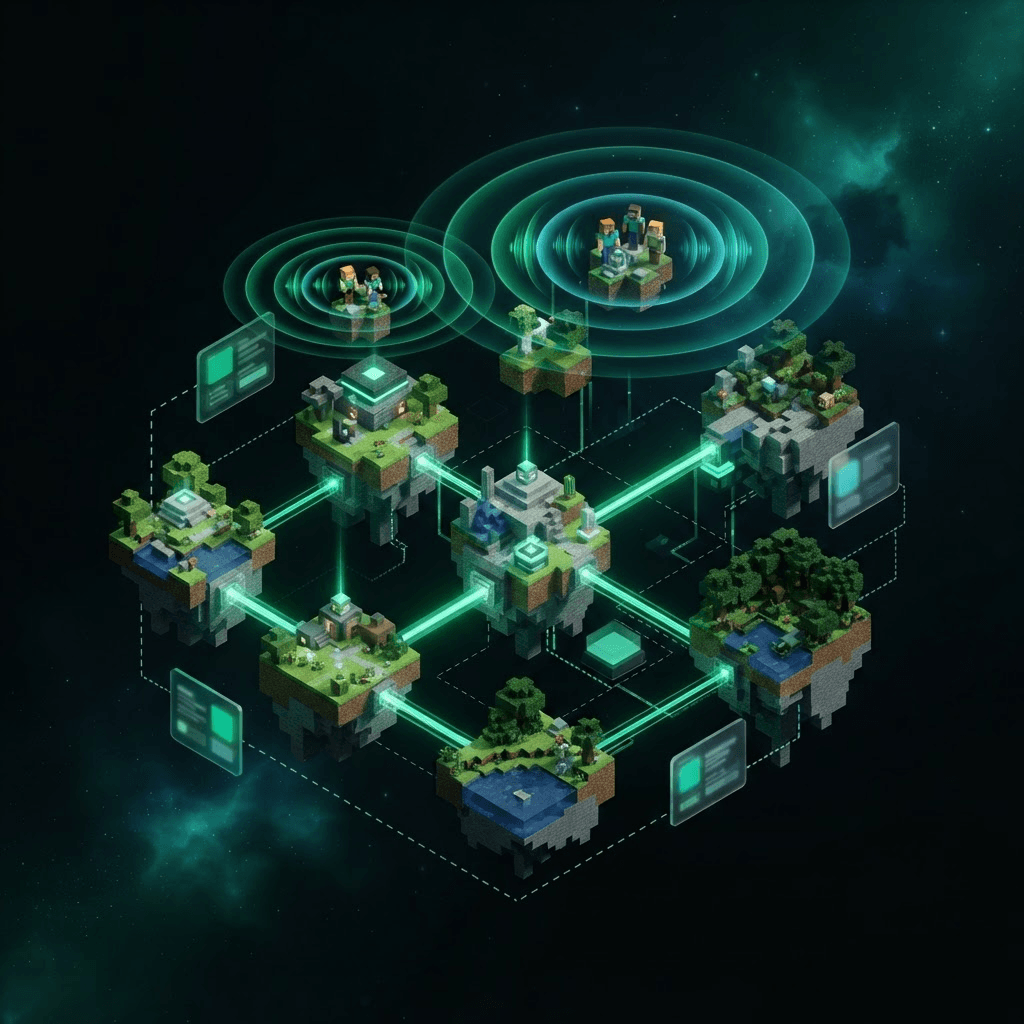
Move between servers and your voice channel moves with you — automatically. Watch players flow across the network while staying connected.
Players move between servers — voice follows them automatically, with no disconnects or manual switching.
Manage your whole network in one place
A real-time control center for your networks, servers, players and activation keys — with a secure Google login.
Connect Java & Bedrock in six simple steps
Set up SculWave on your Minecraft network and give Java and Bedrock players one seamless proximity voice experience.
- 1
Install the SculWave plugin
Add the SculWave plugin to your Minecraft server to connect your server to SculWave voice chat.
- 2
Create a Network
Set up your network in the dashboard.
- 3
Copy Activation Key
Grab your unique key from the dashboard.
- 4
Start your server
Launch your Minecraft server with SculWave active.
- 5
Players join
Using the Android app or browser with a lobby code.
- 6
Talk with Java & Bedrock players
Players can hear and talk to nearby players with proximity voice across your Minecraft network.
Keep your network safe
Powerful moderation tools that plug straight into your existing Minecraft permissions.
Voice Blocking
Administrators can instantly prevent abusive players from using voice chat.
Mute Commands
Mute and unmute players using simple Minecraft commands.
Permission Integration
Works with Minecraft permissions for network-wide moderation.
Built for Java & Bedrock Minecraft networks
SculWave connects Java and Bedrock players with low-latency proximity voice across compatible Minecraft servers and networks.
Frequently asked questions
No. SculWave does not require players to install a Minecraft voice mod. Players join voice through the SculWave Android app or web browser while playing Minecraft.
Yes. SculWave supports both Minecraft Java Edition and Bedrock Edition, allowing players from both editions to use the same voice experience.
Yes. Java and Bedrock players can join the same SculWave voice room and talk to each other using proximity voice, regardless of which Minecraft edition they play.
Yes. SculWave is installed on each individual Minecraft server, not on the proxy itself. Install the plugin on every Paper server in your network and activate them using the same SculWave network activation key. This allows players to seamlessly keep their voice session when switching between servers. Proxy plugins are not required.
Android and Web are available now. iOS and game consoles are on the roadmap.
Players open the app or browser and enter a single lobby code — SculWave handles the rest as they move between servers.
Ready to Bring Java & Bedrock Together?
Start using SculWave for Minecraft voice chat, or learn how to bring Java and Bedrock voice to your server network.